Cargo distribution, or “cargodist” for short, is a feature which simulates destinations for passengers and cargo. This allows for much more realistic routes and networks, as they will transfer between vehicles automatically without requiring transfer orders.
Note that Cargodist is not the same thing as true cargo destinations, as it will only distribute passengers among stations that they can already access on your network.
Cargodist is highly recommended for JP+ gameplay, especially for passengers. To enable Cargodist, change the distribution mode setting from “Manual” to either “Symmetric” or “Asymmetric”.
“Symmetric” is recommended for passengers, because the game will send similar amounts of passengers in both directions which simulates people going to and from work and other places. Mail can be either, depending on preference. Cargo is usually left on “Manual” but can also be set to the special “equal distribution” mode (see below).
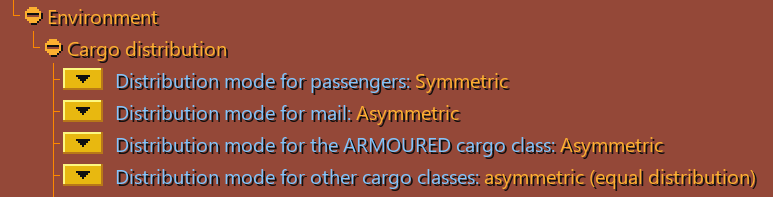
Recommended Settings
Enabling cargodist for passengers will result in much more demand than the vanilla game would normally generate, leading to far more passengers than you may be able to deal with. Thus, it is highly recommended to reduce the setting Scale town cargo production to a value of about 50% or less.
For more details on how to fine-tune the game’s economy, see Economy & Timekeeping.
This setting artificially increases the length of cargodist links which use aircraft. This is useful so that air routes don’t become overwhelmed with too many passengers, which is otherwise likely to happen because of their directness and low capacity. Increase this setting to at least 400% to make it viable to integrate realistic air routes into a large map-wide cargodist network.

Link Graph
The link graph is your most important overview of your Cargodist network. Each line represents a link between two stations. Passengers/cargo will transfer at as many stations as they need in order to reach their destination. To the algorithm, there is no difference between staying on the same vehicle and transferring to a different one. However, they always prefer routes with fewer stops where available.
The line colour indicates how much capacity is being used. If you see a lot of orange and red, then those links are overloaded and your network needs either more capacity or more alternative routes.
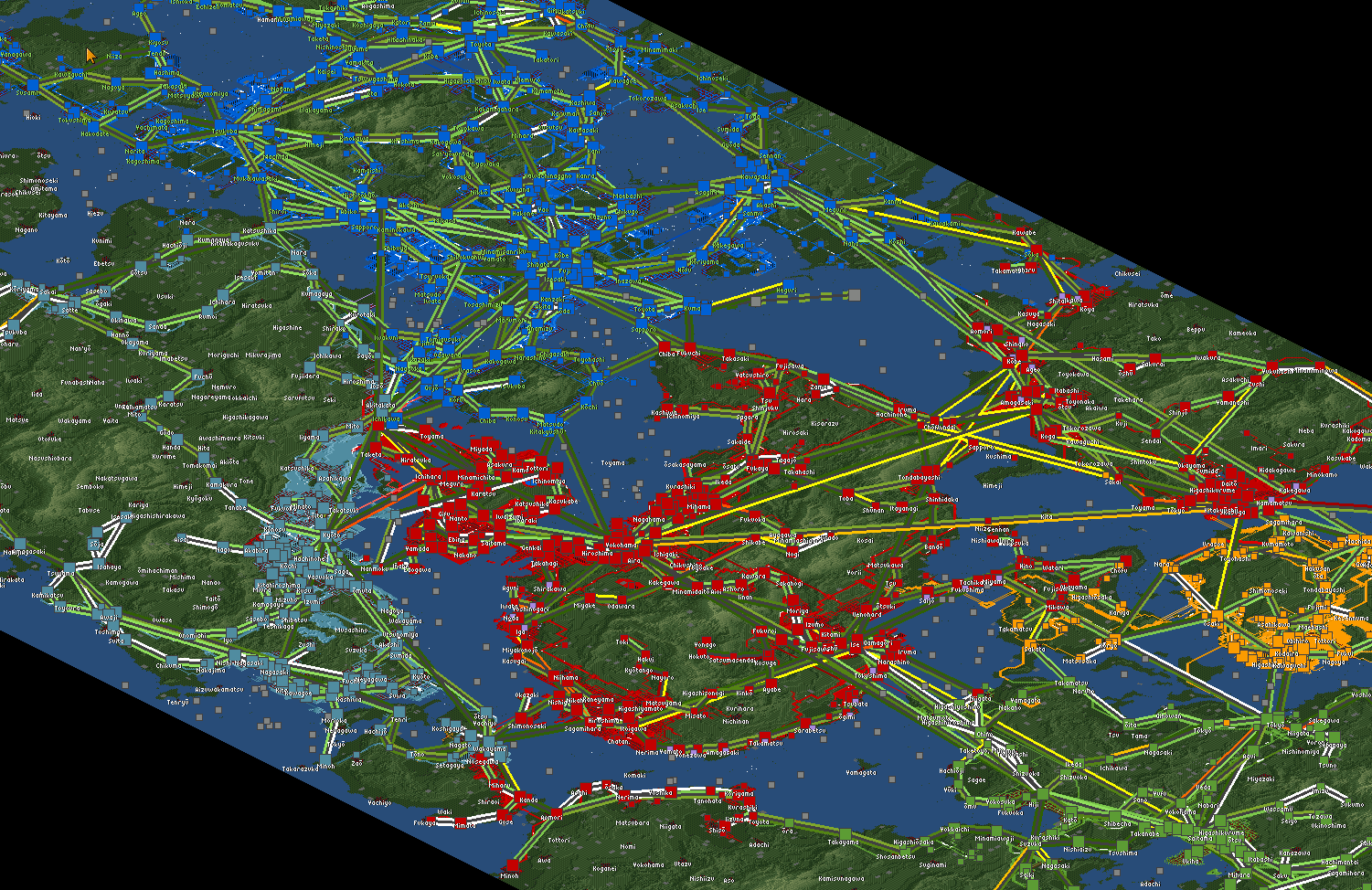
Cargodist is used in conjunction with JGRPP infrastructure sharing to allow multiple companies to build a single map-wide network.
Station Window
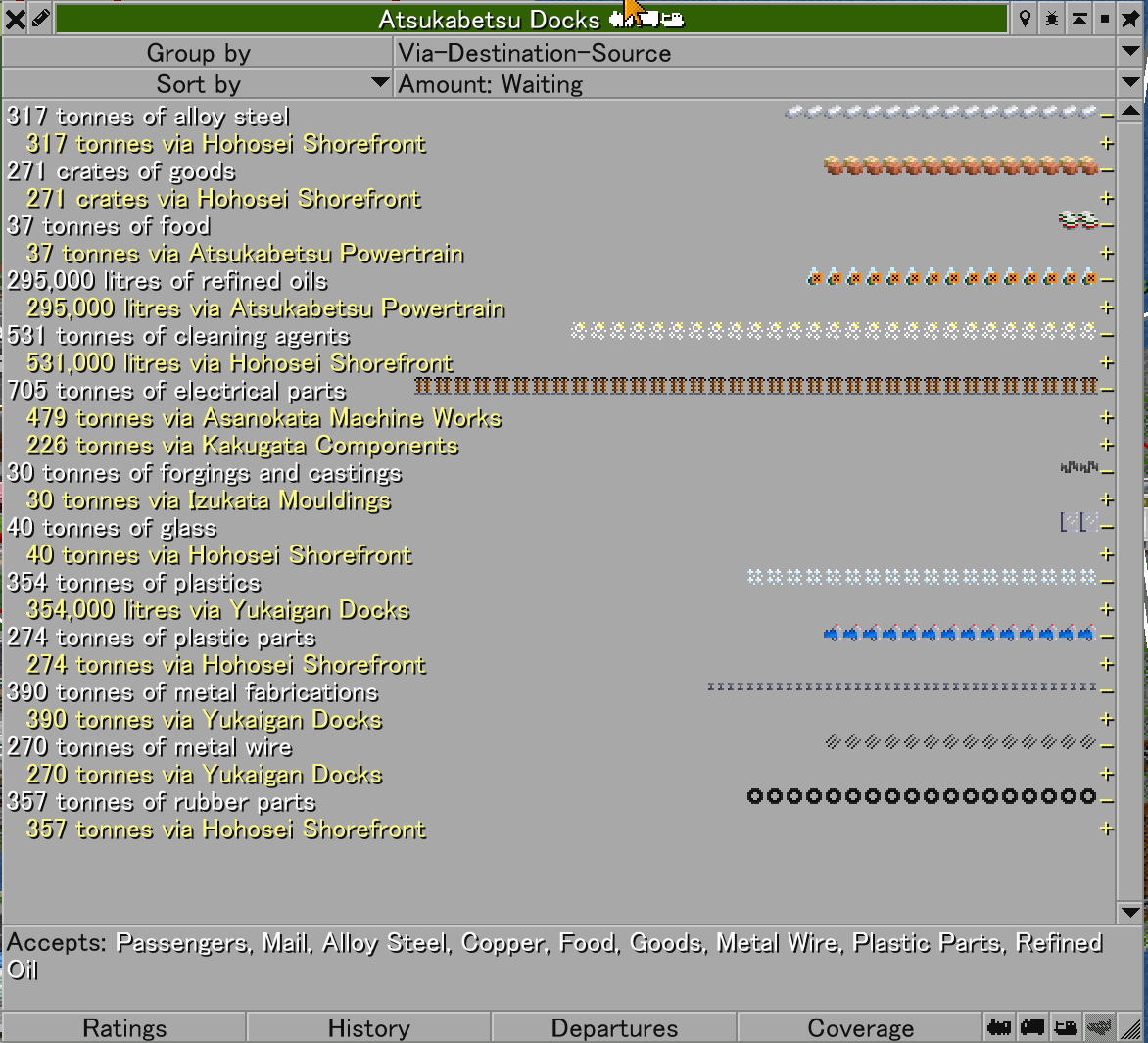
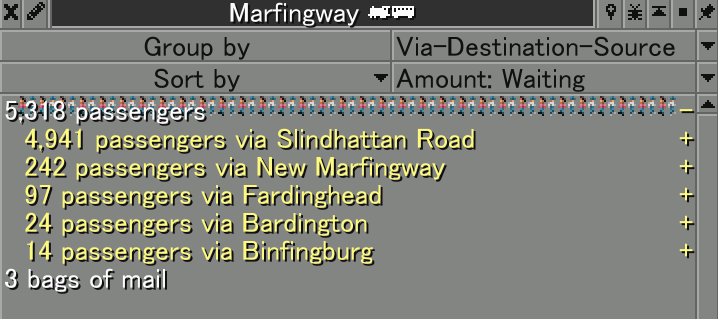
Your other major tool when using cargodist is the station window. This tells you how many passengers or cargo are at the station, and where they are going. It is important to set the dropdown to via-destination-source, as the “via” point is more important than the final destination. The “via” point represents the cargodist link to the next station, giving you a better idea of where you might need to add capacity.
Equal Distribution
Asymmetric (equal distribution) is a special mode of Cargodist available in JGRPP. This mode ensures that cargo is distributed equally between all possible destinations, which works well for freight cargo, in particular the supplies in FIRS and AXIS.
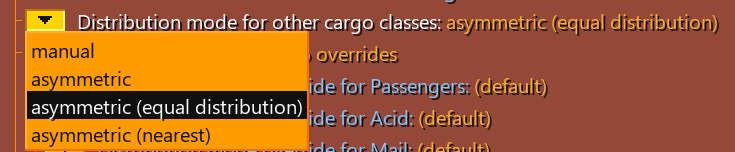
Enabling cargodist for all cargo types opens up a new style of gameplay, where you allow cargo to find its own way through your network. Instead of having fixed trains for a single cargo type, you can use autorefit (refit to available cargo) orders to allow your trains to carry multiple different cargos simultaneously as needed.
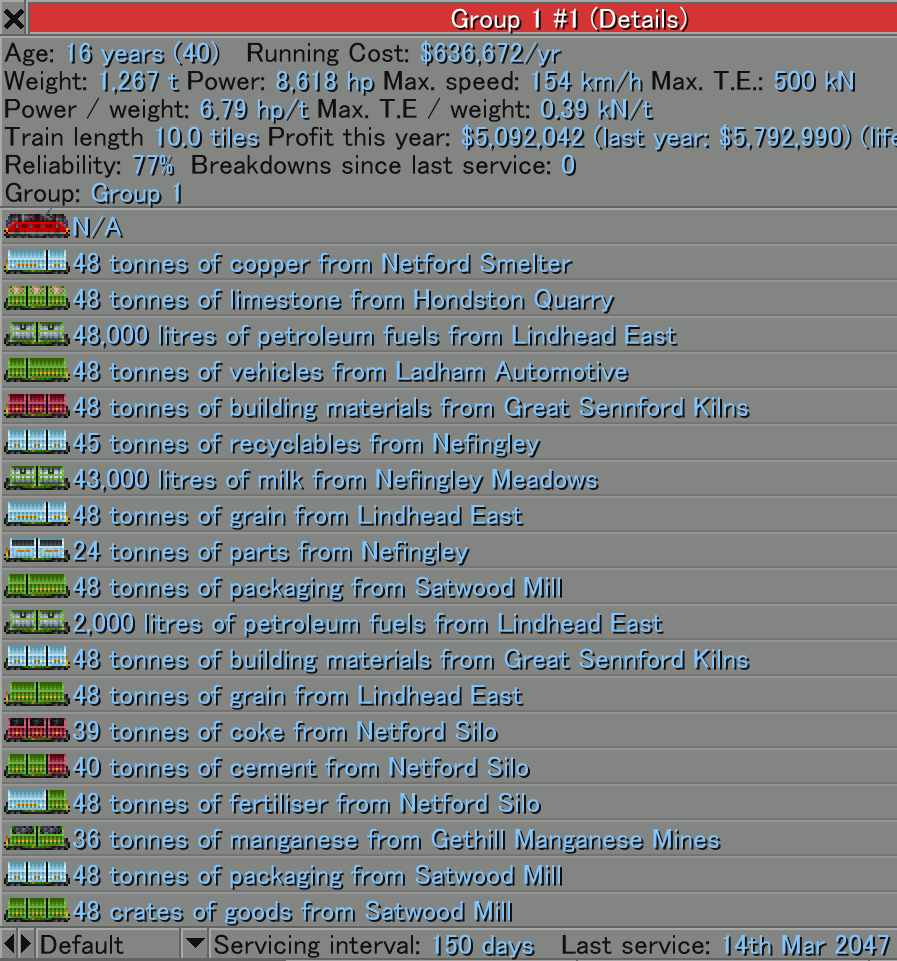
This can get complex to manage when you have many different cargo types, but it poses an interesting and fun challenge.